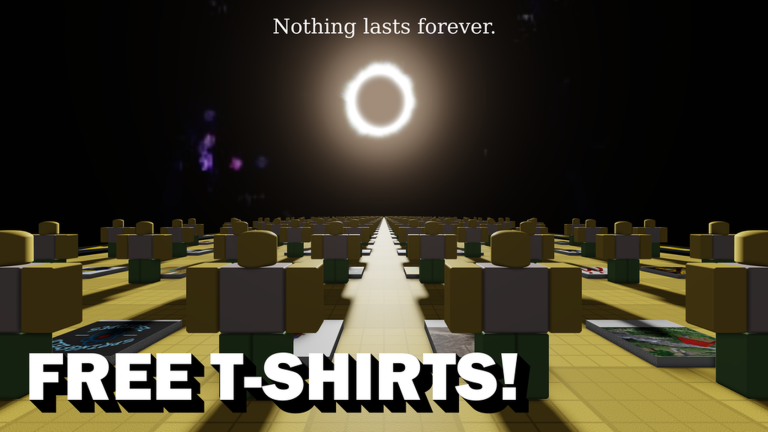

ROBLOX Image ID Finder is not built like a normal Roblox adventure. It works more like a utility room: you enter with a decal ID, use the place interface, and leave with the matching image ID.
That matters for creators working with UI, signs, textures, or visual details in Roblox projects. Decal IDs and image IDs can look interchangeable when they are just numbers, but some Studio uses and scripts need the image ID behind the decal.
The appeal is speed. Instead of digging through assets, checking properties, or guessing nearby numbers, the experience keeps the conversion in one simple place made for a short task.
3.4K
Favorites
1K
Upvotes
955
Downvotes
How to play ROBLOX Image ID Finder
The flow is direct: bring the decal number you want to convert and use the in-place interface to get the image ID.
- Copy only the decal ID numbers, without extra spaces or URL fragments.
- Paste the ID into the field shown inside the experience.
- Check the result and test the image ID wherever you plan to use the image.
Codes & Tips of ROBLOX Image ID Finder
There are no public promo codes to redeem. The useful part here is knowing a few practical tricks so the conversion does not waste time.
- Use a decal ID as the input; pasting an image ID you already have may not help.
- If the image still does not appear, check whether the asset exists and has passed Roblox moderation.
- Save the converted ID with a short note, because similar-looking asset numbers are easy to mix up.
Tips for ROBLOX Image ID Finder
ROBLOX Image ID Finder works best when you already have the target asset ready before joining.
- Open the decal page in another tab and copy the number directly from the URL to avoid typos.
- Test the result in an ImageLabel, Decal, or Texture before using it in a larger project.
- If you are converting several images, handle them one at a time and label the results outside the game.
Curiosities about ROBLOX Image ID Finder
On Roblox, an image can sit behind other asset types such as decals and classic clothing. That is why the number visible on a decal page is not always the number a visual object needs.
The experience was created by kituato and has been around since 2018, matching a very specific creator-community need: quickly separating decal IDs from image IDs.
Useful links for ROBLOX Image ID Finder
Images
Related posts